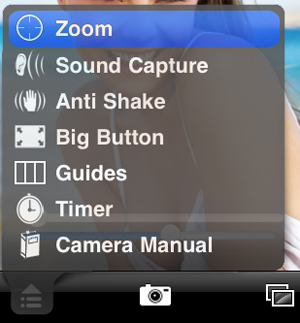
The camera menu allows you to turn on and off various options.
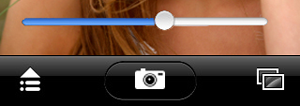
Use the slider to zoom in on your subject.
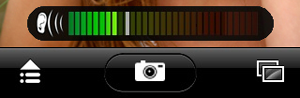
Sound capture allows you to take a photo by making some noise. So say "cheese" to take the shot.
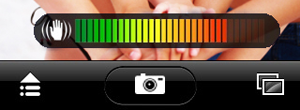
Anti-shake reduces blurriness when taking photos. Tap the photo button then hold your hand steady. The photo will snap when little movement is detected.
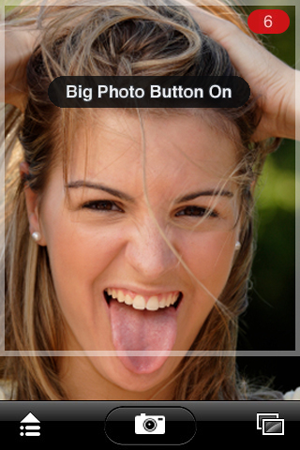
Big Button turns your entire screen into a photo button. Taking shots is easy.
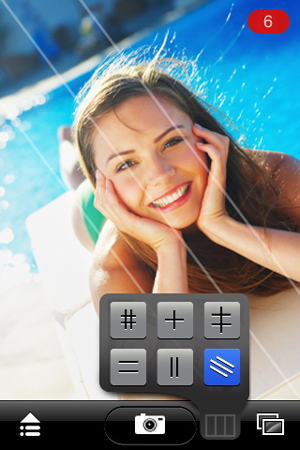
Cycle through the guides to better setup your shots with the guides menu item. It's available after turning on Guides from the main menu.
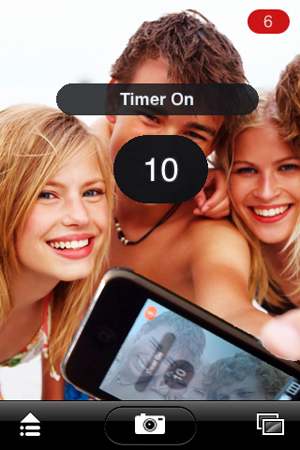
The timer lets you capture group photos. Tap the numbers to choose between 2 - 5 - 10 - 15 - 30 second intervals.
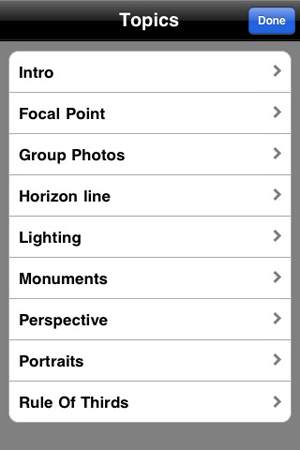
A camera manual provides tips for taking better shots.
Use the photos icon in the lower right to review your photos. Selecting a thumbnail shows a larger image. You can pan and zoom a selected photo.
Still reading?
Ok here's another tip...
In the winter you can snap a photo without removing your gloves. Turn on sound capture and swipe your finger over the mic. It's almost like having a dedicated photo button!